Published January 9, 2026 06:00AM
If you buy through our links, we may earn an affiliate commission. This supports our mission to get more people active and outside.Learn about Outside Online's affiliate link policy
Screen Time is Killing Your Tri Training. Here’s How to Reclaim Your Focus.
Stop doomscrolling and start building better habits for a distraction-free life with the triathlete’s guide to digital detoxing.

The less time you spend doomscrolling, the more time you'll have for training, recovery, and even strength training. (Photo: Getty Images)
The new year is here, and with it, all our resolutions and big goals: a PR, a jump up to the next distance, staying injury-free, or maybe just finding better balance with life outside of training. Amid all of these quests, there’s little room for wasted time. After all, there are so many hours in a day – and it can be hard enough to find time to train amid the demands of life.
Yet in this day and age, it’s far too common (and far too easy) to waste time on our devices, sometimes without even wanting to. Americans now average over seven hours of screen time per day, with around two hours of that spent on social media alone. At that average rate, over 50 years, you’ll have spent 4 years and 10 months of your life on social media.
Apps are deliberately designed to be addictive, leading many people to spend more time on their devices than they intend. However, you can protect yourself from the many potential problems linked to excessive screen time. If you’re looking to detox from your phone and free up extra hours in a day, try these tried-and-tested strategies.
How to get off your phone (and find more time for triathlon)
1. Make your devices harder to use.
First things first: make your devices less accessible and less convenient to grab out of habit. The average American checks their phone a staggering 186 times per day, which works out to roughly once every 7-8 minutes. We know you’re popular, but how many of those pickups are actually more important than what you’re doing in that moment?
Here are a few changes you can make immediately that tend to have an outsized impact, even before moving on to steps two and three:
- Turn off notifications from anything unnecessary
- Remove your devices from your bedroom and from directly around where you work (if possible). Yes, this might mean we all need to revert back to an alarm clock – but that might be one of the best purchases you make all year if it means keeping your phone out of your room
- Assign yourself specific blocks of time to check notifications (lunch), work email (10 a.m.), etc. This gives your brain permission to relax, knowing you will check later. And when your phone isn’t immediately within reach, resisting the urge becomes much easier. In fact, one study showed that “the mere presence of consumers’ own smartphones may adversely affect cognitive functioning even when consumers are not consciously attending to them.”
- Most smartphones now offer focus modes that silence notifications during scheduled times – set these up. It takes two minutes and pays off immediately.
Bonus tip: Turn off tap-to-wake and raise-to-wake features. Again, the goal is to introduce just enough friction to break unconscious habits.
Another way to make your phone harder to use is by physically blocking apps and features with physical devices like Brick. These require you to tap your phone against them using the phone’s built-in NFC scanner, which then locks selected apps. To unlock them, you must scan again.
After testing a few options, the one we liked most – and found most practical for triathletes – is Bloom. This wallet-sized card is far easier to travel with than the Brick alternative and functions very similarly, allowing you to create customized blocking modes depending on whether you’re working, studying, or just relaxing. And if you’re worried about getting locked out completely, don’t be – there are “emergency unlocks” that allow access a limited number of times per month if the card is lost.
If you still find yourself reaching for your phone when you shouldn’t, The Kitchen Safe, a time-locked container, is a last-resort option that works surprisingly well.
ADVERTISEMENT
2. Make your devices as boring as possible.
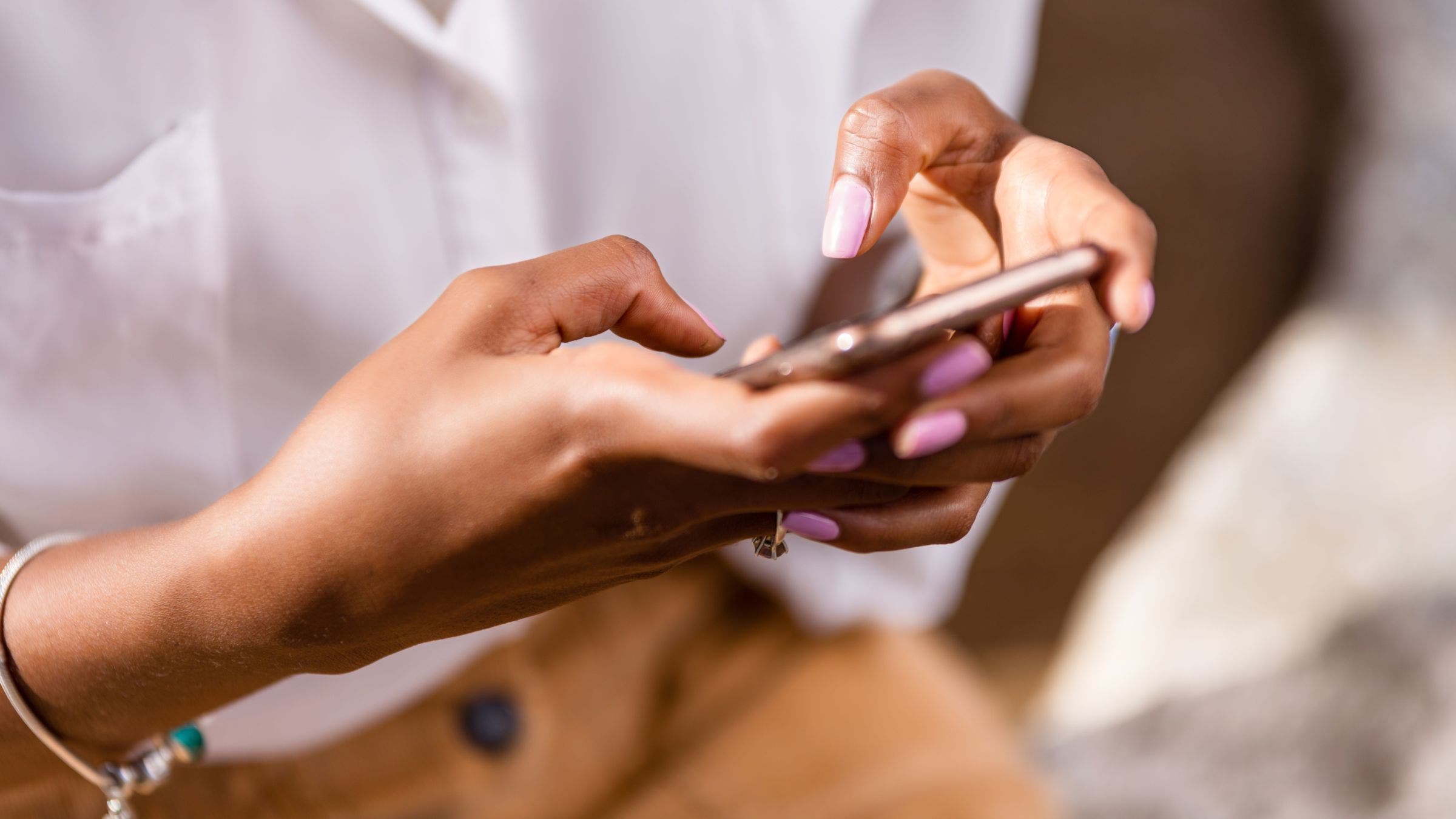
If you’ve made it this far, you’re already winning. You’re less distracted, not waking up checking the dreaded inbox (or worse yet, the news), not lying in bed doomscrolling, and work is likely getting done faster. You may have even freed up an extra chunk of time for strength training – which, yes, you’re definitely going to use for strength training.
But stopping at step one only gets you part of the way. The real challenge begins once the phone is actually in your hands. As mentioned earlier, apps and websites are deliberately designed to capture your attention and keep it. So the next step is to make the whole idea of using your phone less tempting.
Start by removing distracting apps from your home screen and adding a password requirement to access them. That brief pause, combined with the added annoyance, often creates enough space to ask yourself whether you really need to check Instagram to see if Lionel Sanders or Lucy Charles-Barclay just posted.
ADVERTISEMENT
This next one is a tough one, but it is highly effective: Switch your phone and computer to black and white, or “grayscale.” Developers at Apple and Android have spent years perfecting color, contrast, and animation to make screens as appealing as possible. While impressive, this visual stimulation drives our compulsive use. Removing color dramatically reduces that pull and can be done easily through accessibility settings (or quickly for Apple users via home screen wallpaper settings).
We also hear this a lot: people miss older phones – flip phones, or so-called “dumb phones.” The good news is you can recreate much of that experience using apps like Blank Spaces and Dumb Phone. These apps strip away all the visual clutter on your home and lock screens, and limit your interface to essentials like calls, messages, maps, and notes. Everything else is still accessible if you need it, but your phone stops advertising itself as entertainment.
One final tactic: make your phone physically less enjoyable to use. Bulky cases – yes, even those old-school wallet cases with a front cover – add weight, reduce screen visibility, and prevent notifications from lighting up your display. They also feel noticeably worse in the hand if you’re used to slim cases. If you really want to commit, take inspiration from this guy:
ADVERTISEMENT
3. Replace time-sucking apps with something actually useful.
At this point, you’ve likely reclaimed time for strength training and perhaps even some mobility – but now we’re aiming to protect you from the moments when you inevitably slip past the safeguards above. This step matters most because once you’re inside the apps themselves, that’s where time disappears fastest.
Our favorite app for staying off distracting apps and websites is One Sec. It’s free, highly customizable, and proactive – forcing a pause (like taking a deep breath) before an app opens and allowing you to quickly set session limits that kick you out automatically. This is ideal if you need a little more time to post something intentionally versus just logging on to check your feed. One standout customizable feature that will truly question your decisions: having Tim Robinson yell “Are you sure about that?” every time the app opens.
Opal is another option with a more advanced alternative, offering stronger controls and deeper customization for those who want tighter boundaries while also allowing you to keep streaks and see how you stand among your peers with friend leaderboards.
ScreenZen can be a more relaxed option, better suited for people who use certain apps for work. It is highly worth noting that the company is also launching its Halo device soon, which blocks apps within a physical radius using Bluetooth – an ingenious way to extend digital boundaries into the real world.
For Android users, No Scroll works extremely well by blocking reels and shorts entirely. On Apple devices, the best similar workaround for doomscrolling we’ve found is Wall Habit, which uses widgets to create stricter versions of apps – limiting features like reels and messages while still allowing basic use.
One of the most common justifications for checking social media is messaging friends or family. Apps like Beeper solve this by pulling messages from multiple platforms into one inbox, reducing the need to open social apps and get pulled in unintentionally.
For desktops and laptops, our clear top recommendation is SocialFocus. This browser extension works on Chrome, Safari, Firefox, and more, and allows highly detailed customization. You can block sites entirely or selectively remove features like notifications, comments, sidebar suggestions, time limits, or even force grayscale mode as mentioned above.
When you do want to intentionally pass time – waiting at the DMV or killing nerves the day before a race – two standout replacements are Elevate and Blinkist. Elevate offers short, personalized brain-training games, while Blinkist condenses books into 15–25 minute summaries that deliver key ideas without endless scrolling.
Finally, removing distractions only works if you use the focus it creates. Our top three productivity tools for doing exactly that are Notion, Pomodoro timers, and using music for focus.
ADVERTISEMENT
Notion is an all-in-one productivity workspace with built-in AI that adapts to how you work. We use it as a central hub for calendars, meetings, to-do lists, and reminders across devices. Having everything in one place reduces mental clutter and makes it easier to prioritize what actually matters.
Pomodoro timers – using apps like FOCUS To-Do – break work into focused intervals (typically 25 minutes) followed by short breaks. After several cycles, a longer break helps prevent burnout while reinforcing productive momentum.
Finally, research on music and white noise shows meaningful benefits for focus and cognitive performance. Binaural beats can be especially effective, though many streaming platforms like Spotify offer a variety of playlists; they can often become distractions themselves. Paid options like Endel and Brain.fm exist, but our favorite free tool is mynoise.net, which offers deep customization across sound types, speeds, and tones.
In a world where time feels increasingly scarce, and attention is constantly under attack, we hope this guide helps you take some of it back – so you can spend it on what you truly want as a triathlete: more swim, bike, run, strength training, mobility, nutrition, and laughs with training buddies.
